 HKC Plugins
HKC Internal Links
Which of your posts receive no internal link at all — and which existing posts should point to them. An admin page, three tabs, no JavaScript.
Map
Every published post with its number of incoming and outgoing internal links. Both columns sort, the list paginates (20, 50 or 100 per page) and filters on a minimum and a maximum for each counter — to isolate posts without any incoming link, or posts that link to nothing.
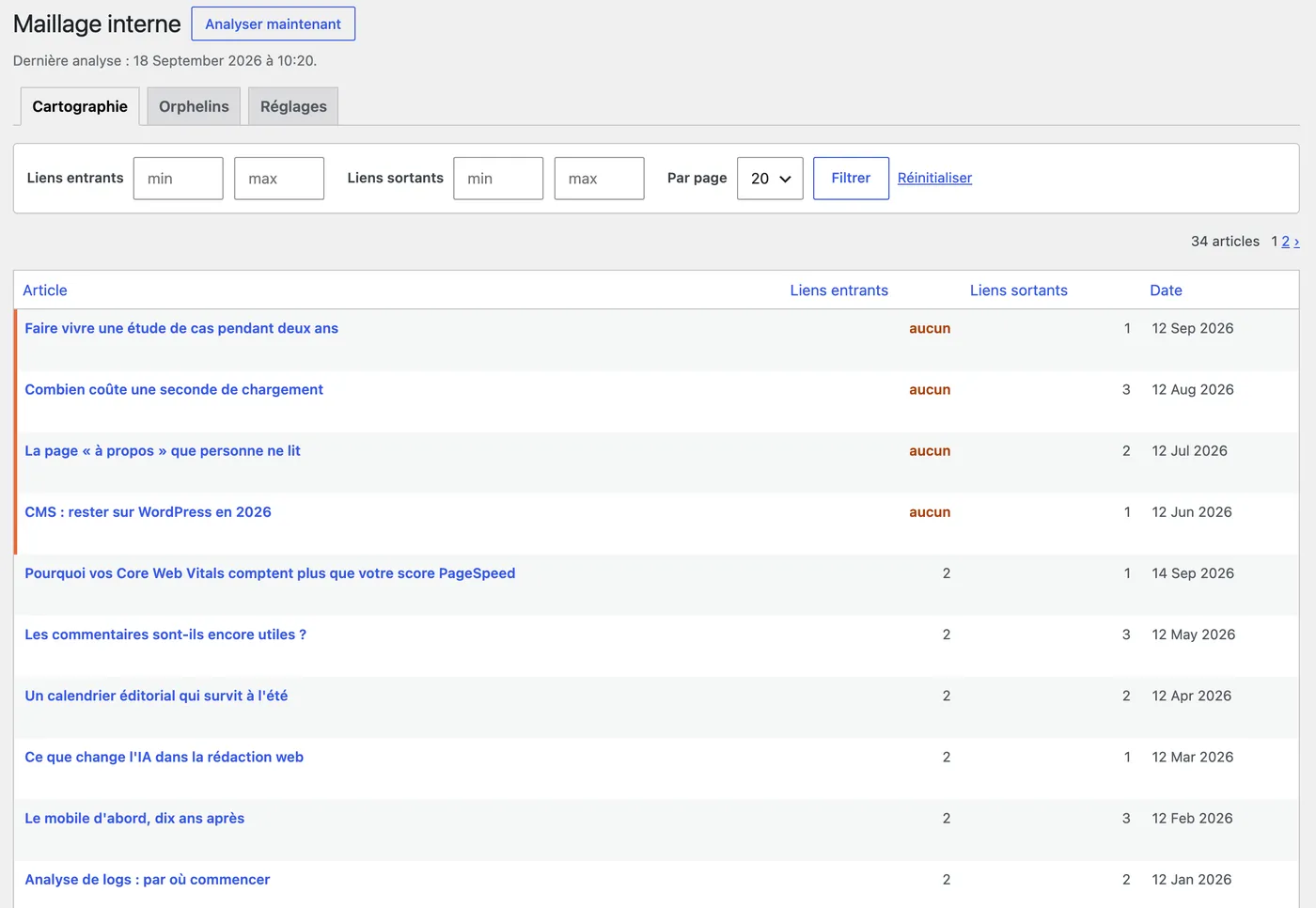
Orphans
Posts that receive no internal link, each with one to five suggestions of posts that could point to them, and the reason:
- Already cites the title — the post mentions the orphan's title in its text: the link is missing while the anchor is already written. The strongest signal.
- Close topic — the post shares the characteristic vocabulary of the orphan.
Each suggestion carries an estimated proximity, in percent, based on the cosine similarity of the two vocabularies, with the title counted three times. Anything below 15 % is not offered: three solid leads beat five of which two are random. Each suggestion opens the editor of the post to change.
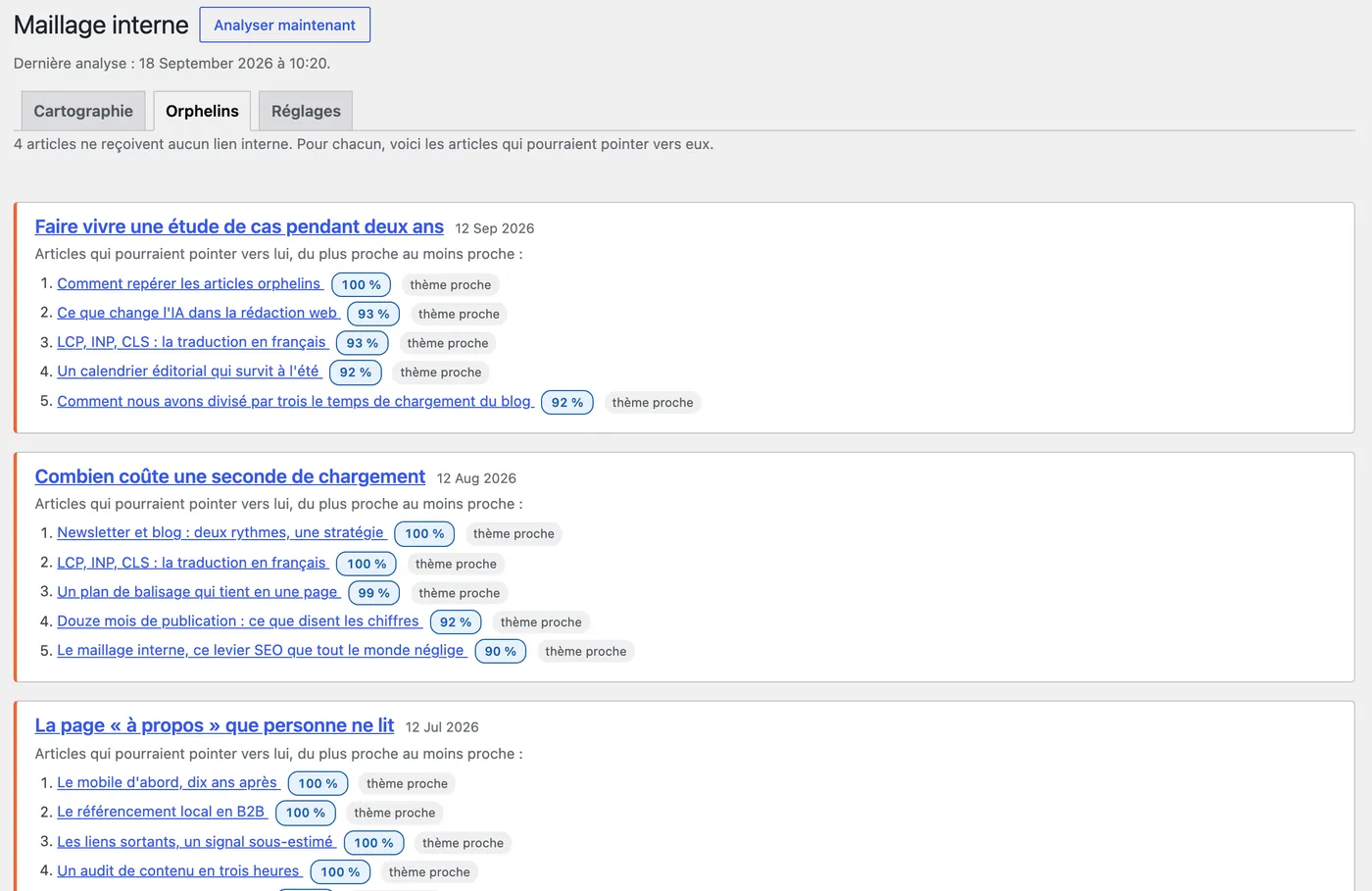
Screenshots taken on a demo site, with content produced for the demonstration.
What is counted
Only links between published posts. Ignored: external links, in-page anchors, email addresses, self-links, and duplicates — two links to the same post count once. Relative and absolute links are both recognised, including when WordPress lives in a subdirectory.
How it works
Reading every post is done once, stored in a dedicated table, and refreshed each night at the hour you choose; a button re-runs it at any time. Sorting, filtering and pagination happen in SQL, so the page stays fast whatever the size of the blog. Nothing is added to your public pages.
Requirements and installation
- WordPress 5.6 or later, PHP 7.2 or later.
- The page requires the
edit_postscapability. - French admin interface.
- Upload
hkc-internal-links.zipfrom Plugins › Add New › Upload Plugin. - Activate it, then open the Maillage menu: the first analysis starts on the first view.
Other post types can be analysed through the hkc_maillage_post_types filter. Uninstalling removes the table, the settings and the caches.